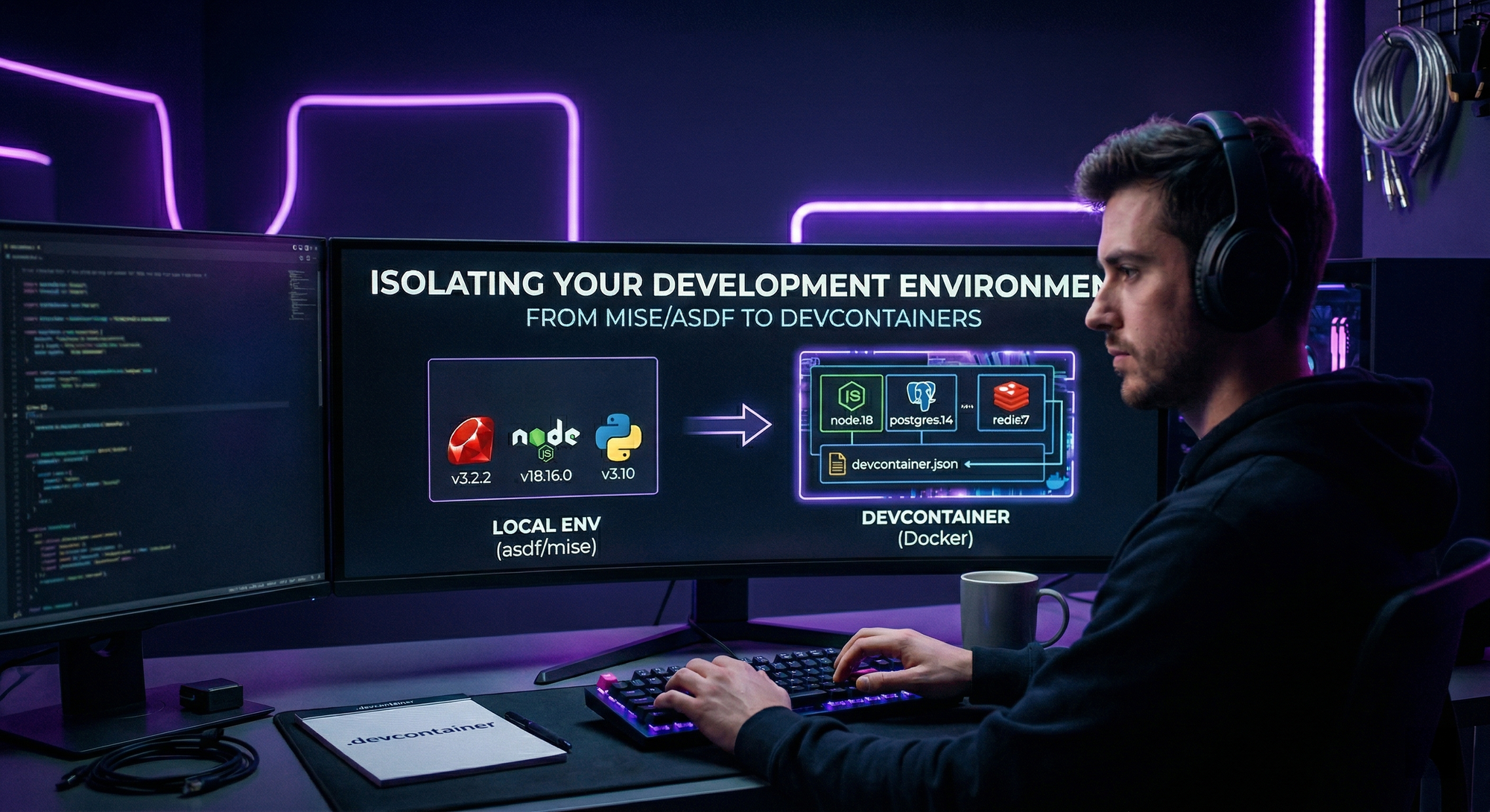
 In an ideal world, our development machine would always be clean and each project would have exactly what it needs, without conflicts. But whoever hasn’t spent hours fighting with Node, Python, or Go versions, let them cast the first stone (or the first
 rm -rf /).
Recently, I was having issues with mise and asdf to isolate my environments.
They are great tools—for example, mise, being written in Rust, had great performance, and asdf being migrated to Go as well.
The problem started when I needed their integration in the IDE. Even though plugins exist, the marriage between the shims of asdf/mise and VS Code (and Zed) isn’t always perfect. Suddenly, the IDE doesn’t find the linter, the LSP gets lost, or you realize you’re running a test on a different runtime version than what the terminal is showing. It’s that subtle but constant friction that drains productivity.
That’s when I discovered the existence of DevContainers, which is an open specification created by Microsoft (perhaps the second best thing Microsoft ever created, after VS Code) for creating complete, standardized, and isolated development environments based on Docker containers.
The idea is simple: instead of trying to convince your operating system to behave like the execution environment, you move the development environment inside a Docker container.
How to use
With devcontainers, you define:
- The base image: (e.g., Debian, Alpine, or an official language image).
- IDE Extensions: Which extensions should be installed automatically. (Currently only compatible with VS Code and Visual Studio).
- System configurations: Environment variables, CLI tools, and system settings.
And when you open the project, VS Code (or any compatible IDE—today the main IDEs on the market have native integration with DevContainers without the need for plugins, which was a huge plus for me) detects the configuration and “mounts itself” inside the container. The code remains on your local disk, but the execution context, build tools, and even network utilities are isolated.
To start working with devcontainers, just create a .devcontainer directory at the root of your repository and create a devcontainer.json file like the example below:
// For more details, see https://aka.ms/devcontainer.json.
{
	"name": "My Go Project",
	// Use a pre-configured base image for Go from Microsoft.
	// See the list of images here: https://github.com/devcontainers/images
	"image": "mcr.microsoft.com/devcontainers/go:1-1.22-bookworm",

	// Use 'features' to add common tools in a modular way.
	"features": {
		// Adds Git support.
		"ghcr.io/devcontainers/features/git:1": {
			"ppa": true
		}
	},

	// Configures the extensions that should be installed automatically in VS Code.
	"customizations": {
		"vscode": {
			"extensions": [
				// Official extension for Go.
				"golang.go",
				// Tools for Docker and Containers.
				"ms-azuretools.vscode-docker",
				"ms-vscode-remote.remote-containers",
				// A linter for YAML, useful for CI/CD files.
				"redhat.vscode-yaml"
			],
			// VS Code specific settings for running inside the container.
			"settings": {
				"go.toolsManagement.checkForUpdates": "off",
				"go.useLanguageServer": true,
				"terminal.integrated.defaultProfile.linux": "bash"
			}
		}
	},

	// Use 'forwardPorts' to expose application ports to your local machine.
	// "forwardPorts": [8080],

	// Use 'postCreateCommand' to run additional setup commands.
	"postCreateCommand": "go version && go mod tidy"

	// Comment out the line below if you want to run as a user other than 'vscode'.
	// "remoteUser": "vscode"
}
If you have a custom Dockerfile from your development environment, you place it in this same directory, and it will be built automatically as soon as you access the repository within the IDE.
Some advantages
IDEs with native integration: almost all major IDEs today accept the specification natively, so you basically just need to open the project and wait for the IDE to set up the environment.
Cleaner machine: My main machine doesn’t need to have multiple versions of Go, Python or Node. You just need Docker and the IDE.
Better reproducibility: If you change machines or hand the project over to a new developer, you don’t need to follow many steps to configure the environment. Just have Docker installed, open the IDE and voilà, everything works exactly as it was.
End of “Version Conflict”: This is perhaps more obvious, I can have a project that requires a legacy version of a lib and another that uses the most modern, without one “leaking” to the other.
Some disadvantages
Environment preparation: It tends to be slower than using mise or asdf, as you need to wait for the time to download or build the image.
Knowledge of Docker: you need to at least know the basics about Docker to make good use of the specification.
Debug network problems: due to the isolated nature of containers, it can be a little more complicated to debug a connectivity problem.
Conclusion
Mise and asdf continue to be great tools, but when you need better integration with the IDE you use (if you use VSCode, Zed or IntelliJ or variations of them), then in my opinion DevContainers shines.
It may take longer to create the environment, but I believe it is more stable than using mise and asdf.